
Guide
Geode Mod Menu Missing in Geometry Dash? The Fix Ladder
The game launched but the mods did not: work the ladder from launch method to framework setup until the menu returns.
CONTENTS On this page
You open the game, the game is just the game, and the mod menu is nowhere. This is the most reported Geode problem and the most fixable; work the ladder in order, as we do on the rack behind Geode APK.
Rung one: launch properly
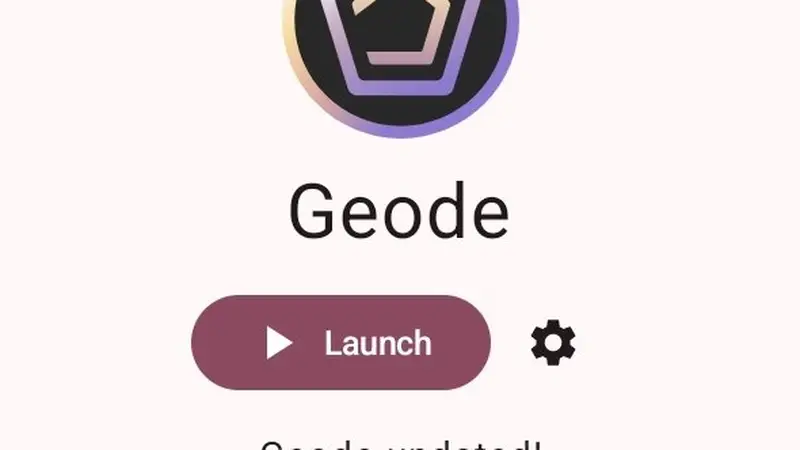
The framework loads when the launcher launches it. If you opened Geometry Dash from its own icon or a recents shortcut, close it and use the launcher's Launch button (or enable automatic launch in settings so it can never be forgotten).
Rung two: let setup finish
After installs and updates, the first launch does setup work. Interrupting it leaves a half-built framework and no menu. Reopen the launcher, tap Launch, and give the first boot its full, unhurried minute.
Rung three: version harmony
Update the game, update the launcher from this site, and let the framework's automatic updates run. A menu missing after a game update is the known rhythm; it returns when the framework catches up, and our update guide explains the timing. Work the ladder in order and the menu returns, as it does for every Geode APK install we have tested.
Rung four: the profile check
If the ladder's first three rungs change nothing, check where the game actually lives. The framework loads into the main-profile install of Geometry Dash, and a game that exists only inside a cloned app space, a work profile or a parallel launcher is invisible to it. Open the launcher and read its complaint carefully; when it says the game is missing while the icon sits on your home screen, a profile mismatch is the usual truth underneath.
The fix is structural rather than technical: install the game once in the main profile, launch through the launcher, and let the two apps meet on the same ground. No cache clearing or reinstall ritual substitutes for that meeting. This is also why the install order matters so much in the first place, a point the Geode APK states plainly on its own pages rather than leaving you to discover it here.
When a clean reinstall is actually the answer
Reinstalling is the last rung, not the first, and it works best surgically. Refresh the launcher by installing the current file over your existing copy, which preserves your library, then launch and let setup complete fully before judging the result. Only if the game itself misbehaves stock should the game join the reinstall, and even then your account progress returns with your login.
Work from the known-good sequence in how to install Geode on Android whenever you rebuild, and keep surviving update day nearby if the menu vanished right after a game patch, since timing explains most of those cases. If you need the current file, the download page carries it with its checks published. Ladder first, reinstall last: that order is how the Geode APK menu problem ends quickly instead of becoming a lost weekend.
Quick Answers
Why does launching from the game icon skip mods?
The framework is loaded by the launcher. The game on its own is the stock game.
I updated the game and lost the menu. Is my library gone?
No. Your mods wait for the framework update; the library survives intact.
Should I reinstall everything?
Only after the three rungs fail. Reinstall the launcher over the top; your mods live with the game, not the installer.