
Guide
Visual Mods in Geode: Icons, Textures and Making the Game Yours
The cosmetic side of the catalog: icon sets, texture changes and interface looks, plus keeping them consistent and update-safe.
CONTENTS On this page
Every long-term player eventually wants the game to look like theirs. Visual mods are the catalog's cosmetic wing, and this guide covers using them well. New to the loader entirely? It starts on the Geode download page.
What visual mods cover
Icon sets that refresh your cube and friends, texture changes that restyle the game's surfaces, and interface looks that recolor menus and HUD elements. Mixed with the launcher's own theming, the result can range from a subtle tidy-up to a full personality transplant.
The consistency rule
Pick a direction and commit: one icon family, one texture style, one palette mood. Visual mods clash more socially than technically, five styles at war on one screen, and the players with the best-looking setups are simply the ones who chose a theme and stopped.
Update manners
Cosmetic mods ride on game assets, so a game update can shuffle them briefly. Keep your set listed somewhere, let the framework updates land, and reapply calmly; the look returns, it always does. Choose a look and commit: the Geode APK makes it easy to keep.
The performance honesty check
Cosmetic in the Geode APK catalog does not mean free. Texture packs redraw the game's surfaces, icon sets restyle animated objects, and interface themes touch screens you visit constantly. On a strong phone the cost is invisible; on a modest one, a stacked visual set is often the hidden half of a heat or stutter complaint. Add visual mods one at a time and play your hardest level after each, so the cost of beauty is measured rather than guessed.
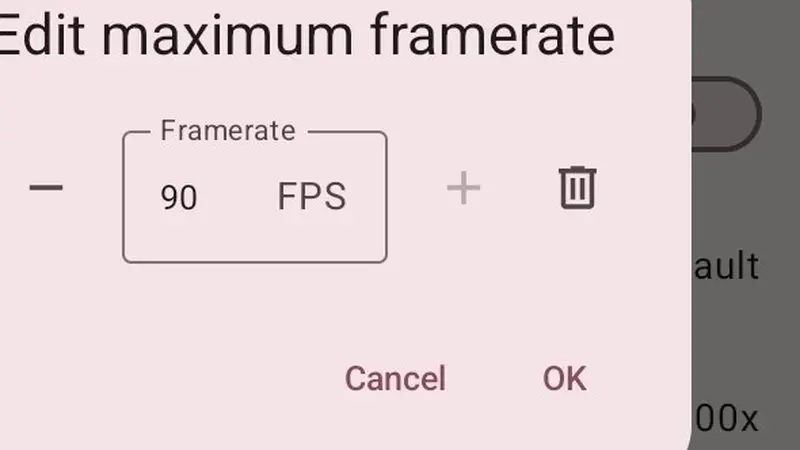
If a favourite set proves heavy, the answer is rarely surrender. Dropping one layer, or pairing the set with a steadier frame rate, usually restores smoothness while keeping the look you chose. The Geode APK reports nothing about mod weight, so your own before-and-after test on a demanding level is the only honest benchmark, and ten minutes of testing beats a month of vague dissatisfaction.
Pairing the launcher look with the game look
The most polished setups treat launcher and game as one outfit. Pick the launcher theme that matches your in-game palette, then let icon family, textures and interface colours follow the same mood. Players who commit to a single direction, dark and violet, warm and minimal, bright and playful, end up with setups that look designed rather than accumulated.
The launcher half of that pairing is covered step by step in Geode launcher themes and display settings, including the screen zoom trick that rescues crowded layouts on notched phones. The behaviour half of a tailored game lives in quality-of-life mods, the Geode category nobody uninstalls, and the two halves together are the full tailoring service. Commit to a look, test its weight honestly, and the Geode APK keeps your chosen style current through every update that follows.
Quick Answers
Do visual mods slow the game down?
Well-made ones are light. Very heavy texture sets can cost frames on budget phones; test before committing.
Can other players see my visual mods?
They change your game on your phone. Others see their own setups.
Do icon mods change hitboxes?
No. Icons are cosmetic; the underlying physics and hitboxes stay the game's own.